

Download Selfie Camera APK – Image & Photo Apps, Android, Free, Latest Version
Overview
Selfie Camera is a free Android application designed to enhance mobile photography, particularly for users who enjoy capturing and sharing selfies. The app falls under the Image & Photo Apps category with a focus on image sharing, offering a suite of visual effects to make photos more engaging and expressive. It is tailored for casual users and social media enthusiasts who seek quick and creative ways to improve their portrait shots without the need for complex editing tools.
Developed by AppsForIG, the software enables users to apply real-time filters and effects directly during photo capture. This functionality supports a dynamic and interactive experience, ideal for users who want to add flair to their images before sharing them online. The app is optimized for Android 2.3 and above, making it accessible to a broad range of older and newer devices.
Real-world use cases include preparing content for social platforms such as Instagram, Snapchat, or Facebook, where visually appealing selfies are often preferred. It is also suitable for users who want to experiment with different looks and styles without relying on third-party editing apps. The app’s lightweight nature and minimal system demands contribute to its suitability for everyday use.
Key Features & Capabilities
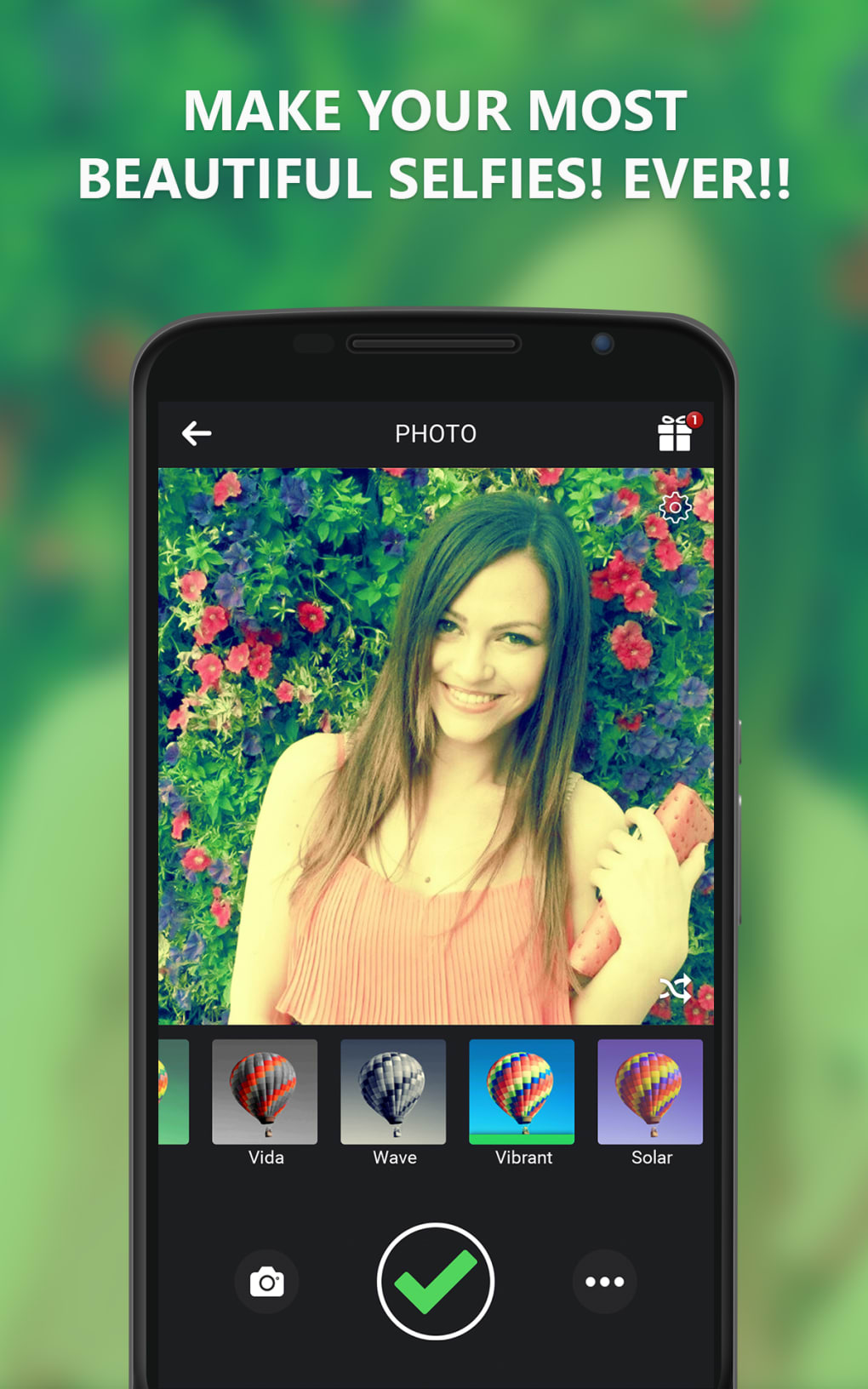
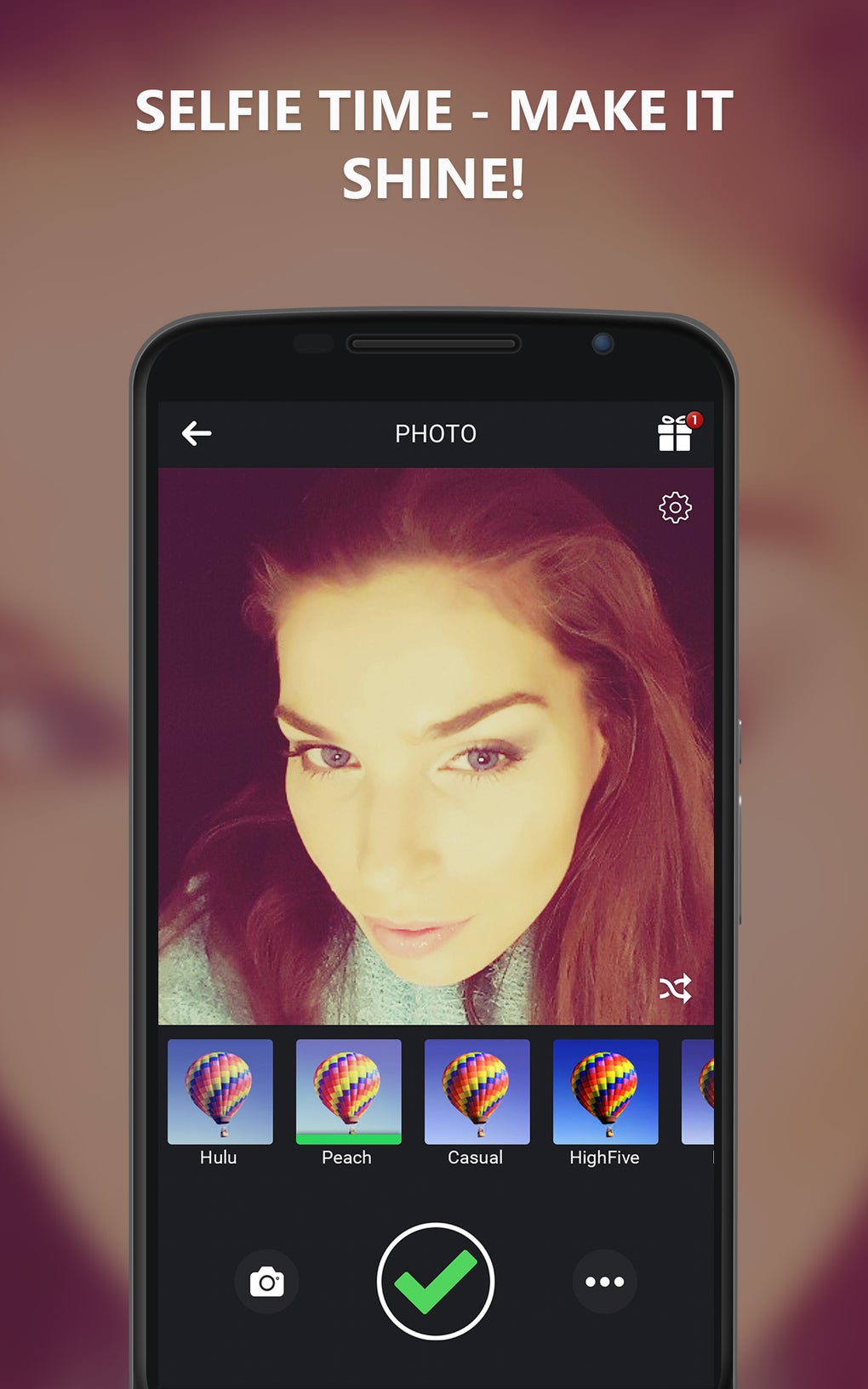
- Real-time photo effects – Apply filters and visual enhancements instantly while taking selfies, allowing users to preview the final look before capturing.
- Easy image sharing integration – Seamlessly export edited photos to popular social media platforms, reducing the need for additional steps.
- Simple interface for quick access – The app prioritizes usability with intuitive controls, minimizing the learning curve for new users.
- Compatibility with older Android versions – Designed to run on Android 2.3 and up, ensuring accessibility across a wide range of devices.
- Free to download and use – No upfront cost or in-app purchases are mentioned, making it accessible to users seeking no-cost solutions.
These features make Selfie Camera a practical tool for users who want to enhance their selfies with minimal effort. For example, a user preparing a post for Instagram can apply a vintage filter in real time, adjust brightness, and share the result directly from the app. The integration with image sharing platforms streamlines the workflow, especially for users who value speed and simplicity.
User Interface, Workflow & Performance
The user interface of Selfie Camera is designed with simplicity in mind, focusing on core photography tasks. Navigation is straightforward, with essential controls positioned for easy access during photo capture. The layout prioritizes the camera preview, ensuring users can frame their shots accurately while applying effects.
Workflow efficiency is enhanced by the real-time application of filters, allowing users to adjust visual styles on the fly. This reduces the need for post-processing and supports a faster content creation cycle. The app appears to maintain a stable performance during typical use, though specific performance metrics such as CPU or RAM usage were not provided.
Given its long-standing presence since 2015 and consistent updates, the software demonstrates reliability in maintaining functionality across various Android devices. The developer did not specify resource usage details, but its continued availability suggests it operates efficiently within the constraints of older Android systems.
Compatibility & System Requirements
Selfie Camera is compatible with Android 2.3 and higher, making it accessible to a wide range of mobile devices. The app is available exclusively for Android, with no information indicating support for iOS or other platforms. The software version is 1.1, and the latest update was released on December 4, 2015.
The installation size varies depending on the device type, though exact figures were not disclosed. This variability is common for mobile applications based on hardware-specific optimizations and included assets. The developer did not provide additional system requirements, such as minimum RAM or processor specifications.
Users with older Android devices may find the app particularly useful due to its low compatibility threshold. However, the lack of recent updates since 2015 raises questions about long-term compatibility with modern Android versions and security patches.
Pros and Cons
Pros
- Free to download and use with no in-app purchases
- Supports older Android versions (2.3 and up)
- Real-time photo effects for instant visual enhancement
- Simple interface ideal for beginners and casual users
- Direct integration with social media sharing platforms
Cons
- No recent updates since December 2015
- Limited information on system requirements and performance
- App is not available for iOS or other operating systems
- No advanced editing tools beyond basic filters
- Installation size varies without clear details
FAQ Section
Is Selfie Camera safe to download and use?
Yes, the app is confirmed to be safe to download and use. It has been verified as secure by the platform hosting the software.
What operating systems does Selfie Camera support?
Selfie Camera is available for Android devices running version 2.3 or higher.
Does Selfie Camera require an internet connection?
The app functions offline for taking and applying effects to photos. However, sharing images to social media platforms may require an active internet connection.
Is Selfie Camera available for iPhone or iPad?
No, the app is currently only available for Android devices. There is no official version for iOS.
How often is Selfie Camera updated?
The latest update was released on December 4, 2015. Since then, no further updates have been published.
Final Thoughts
Selfie Camera remains a functional option for Android users seeking a lightweight, free tool to enhance their selfies with real-time effects. Its compatibility with older Android versions ensures accessibility across a broad user base, particularly those with legacy devices. While the app lacks modern features and has not been updated in nearly a decade, it continues to serve its core purpose effectively.
For casual users and social media content creators who prioritize simplicity and speed, Selfie Camera offers a straightforward solution. However, users seeking advanced editing capabilities, regular updates, or compatibility with newer Android versions may find it outdated.
Given its long-standing presence and continued availability, the app maintains a basic level of reliability. Still, potential users should be aware of its age and limited development activity.
Download Selfie Camera now





.png)

